Languages
Translate from Japanese, Korean, and Chinese into 7 target languages, with auto-detection and vertical text support.
Source Languages
| Language | Code | Notes |
|---|---|---|
| Japanese | ja | Full support including vertical text |
| Korean | ko | Full support |
| Chinese | zh | Simplified and Traditional |
| Auto-detect | auto | AI identifies the source language |
Target Languages
| Language | Code |
|---|---|
| English | en |
| Spanish | es |
| Portuguese | pt |
| French | fr |
| German | de |
| Russian | ru |
| Indonesian | id |
Auto-Detect
When source language is set to Auto-detect, the AI model identifies the source language from the manga text. This works well for Japanese, Korean, and Chinese manga. The detected language is also used for the hover tooltip (showing the original text in its native script).
Vertical Text (CJK)
When translating to Japanese or Chinese, the extension automatically switches to vertical text rendering for narrow, tall bubbles. Text flows top-to-bottom, right-to-left — matching traditional manga layout conventions.
Configuring Languages
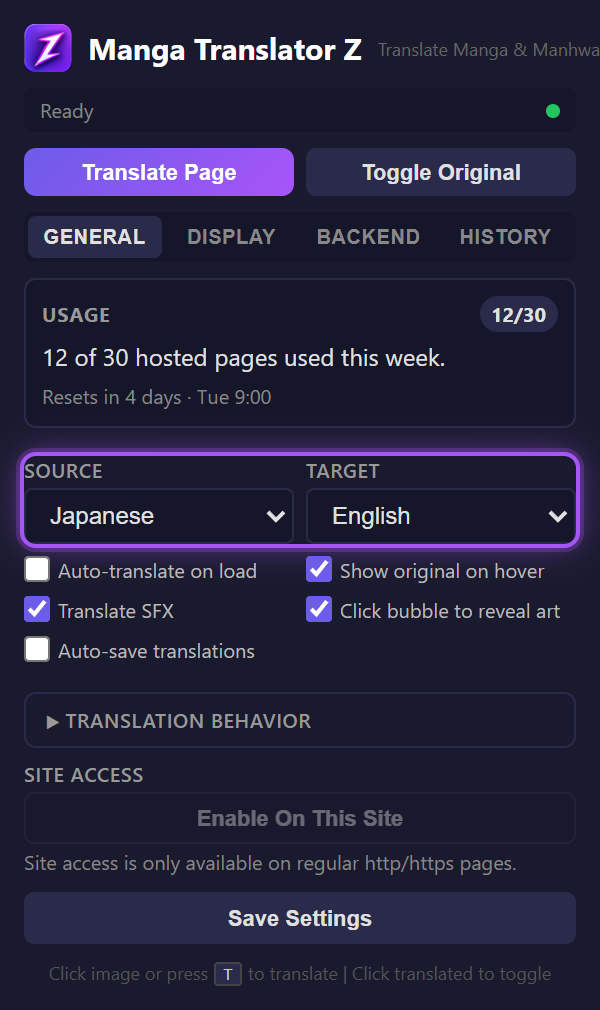
Set your source and target languages in the General tab of the extension popup using the two dropdown selectors.